Building an eCommerce website no longer requires custom design from scratch. Today, ready-made eCommerce templates allow businesses to launch faster, spend less, and still look professional.
But not all templates are equal.
This guide breaks down the top eCommerce website templates, their key features, pricing expectations, and when each type makes sense.
A strong website foundation also depends on essential functionality and user experience. You may also explore our guide on 10 Must-Have E-commerce Website Features for High-Performance Stores.
What Is an eCommerce Website Template?
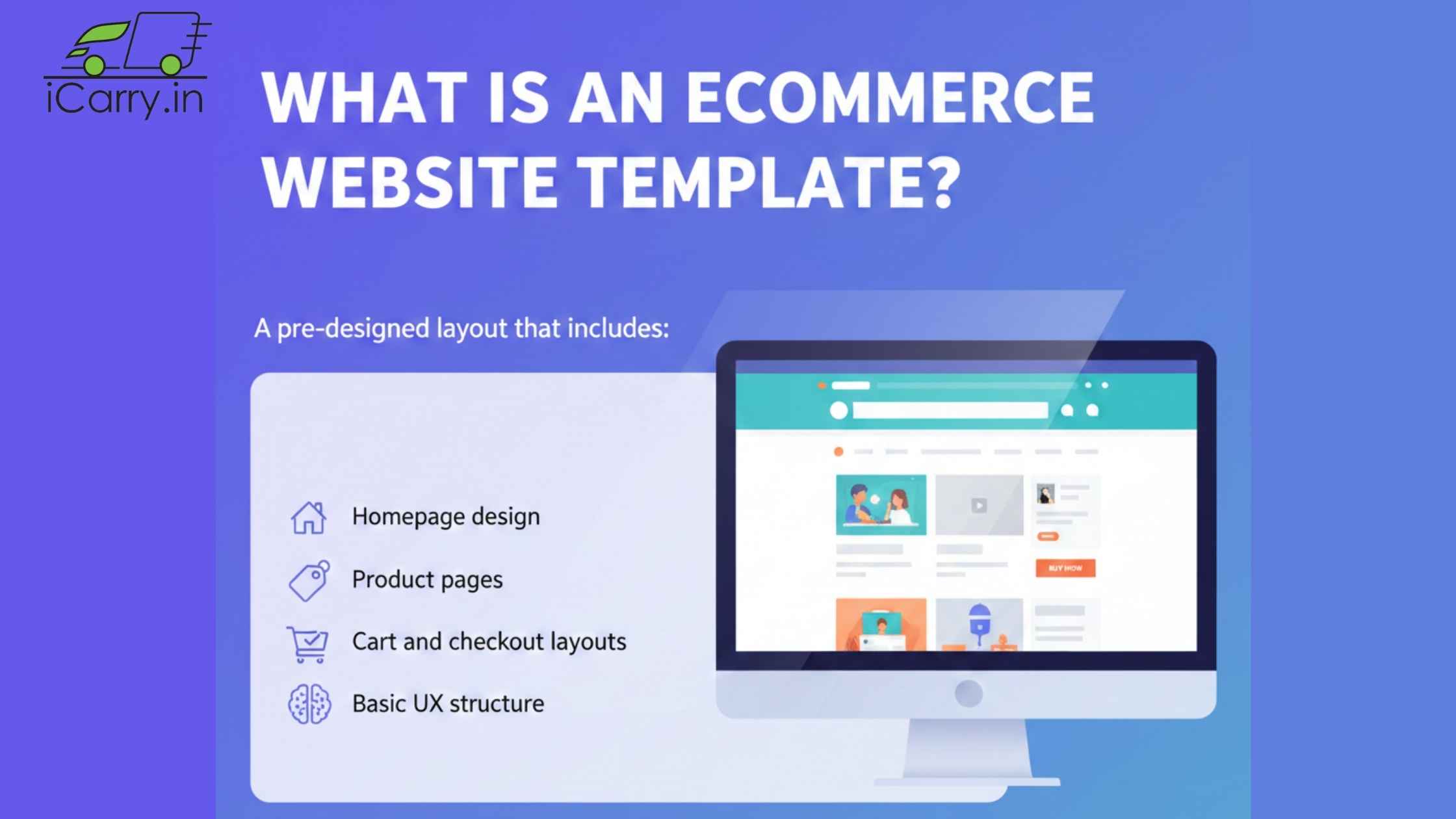
An eCommerce website template is a pre-designed layout that includes:
- Homepage design
- Product pages
- Cart and checkout layouts
- Basic UX structure
You customize content, branding, and products - without building everything from zero.
Why Businesses Use eCommerce Templates
Templates help businesses:
- Launch quickly
- Reduce development costs
- Follow proven UX patterns
- Focus on selling instead of design
For startups and growing brands, templates are often the smartest starting point.
Poor operational planning and inefficient logistics also create hidden losses for business owners.
Key Features to Look for in an eCommerce Template
Before choosing any template, make sure it includes:
- Mobile-responsive design
- Fast loading speed
- Clean product pages
- Easy navigation
- SEO-friendly structure
- Checkout optimization
- App or plugin compatibility
Design should support conversion - not distract from it.
Mobile responsiveness can be validated using Google's Mobile-Friendly Test Tool to ensure usability across devices.
Top Types of eCommerce Website Templates
1. Shopify eCommerce Templates
Best for: D2C brands, startups, solo founders
Key Features
- Built-in checkout
- Mobile-first designs
- App ecosystem
- Easy customization
Pricing
- Templates usually range from free to premium
- Monthly platform subscription applies
Use Case
Perfect for brands wanting speed, stability, and low technical effort.
You can explore official Shopify themes directly from the Shopify Theme Store, which offers both free and premium templates optimized for performance and conversions.
2. WooCommerce (WordPress) Templates
Best for: Content-heavy stores, SEO-focused businesses
Key Features
- Full design control
- Strong blogging + SEO
- Plugin flexibility
- Open-source ecosystem
Pricing
- Many free templates available
- Paid themes and plugins may apply
Use Case
Ideal for businesses that want customization and content marketing power.
WooCommerce provides a wide range of official themes and compatible templates through its WooCommerce Theme Marketplace.
3. BigCommerce Templates
Best for: Growing and mid-sized businesses
Key Features
- Strong performance
- Multi-currency support
- Built-in SEO tools
- Scalable architecture
Pricing
- Platform subscription + optional paid themes
Use Case
Good for businesses planning international expansion.
Businesses can browse scalable templates in the official BigCommerce Theme Store, optimized for growing catalogs and international selling.
4. Wix eCommerce Templates
Best for: Small businesses and beginners
Key Features
- Drag-and-drop editor
- Quick setup
- Simple product management
Pricing
- Lower entry cost
- Paid plans required for payments
Use Case
Best for small catalogs and low-complexity stores.
Wix offers hundreds of drag-and-drop templates in its official Wix Template Library, making setup fast for beginners.
5. Customizable HTML / React Templates
Best for: Tech teams and custom workflows
Key Features
- Full control over design and performance
- Lightweight and fast
- API-first integrations
Pricing
- One-time template cost
- Development cost required
Use Case
Ideal for unique business models or high-performance needs.
You can test template performance using tools like Google PageSpeed Insights before finalizing your theme.
Template Comparison at a Glance
Common Mistakes When Choosing Templates
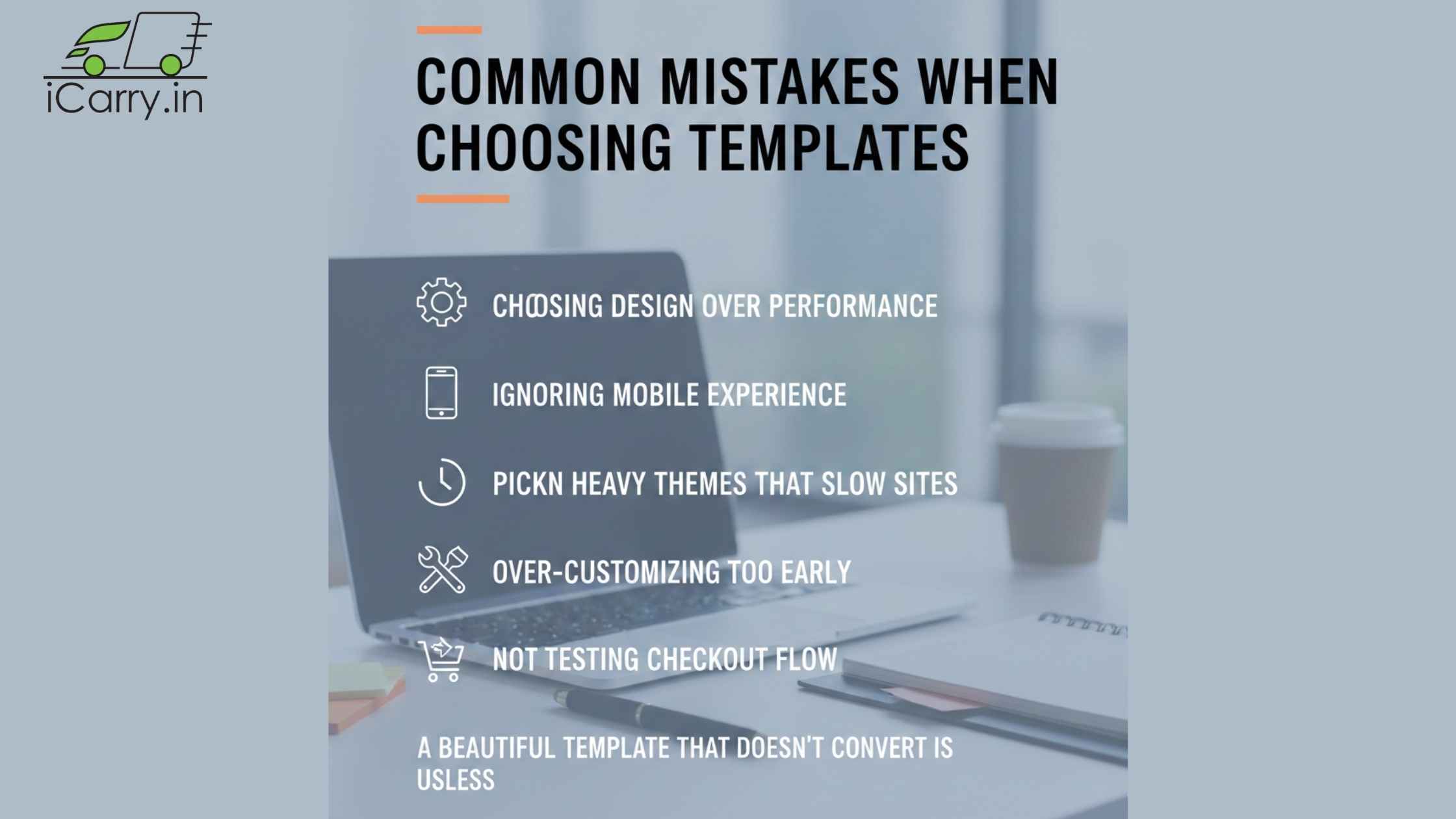
- Choosing design over performance
- Ignoring mobile experience
- Picking heavy themes that slow sites
- Over-customizing too early
- Not testing checkout flow
A beautiful template that doesn't convert is useless.
Scaling brands often face operational risks such as fraud, fake pickups, and courier scams. It is prudent to learn how to protect your business from customer and courier scams these days.
How to Choose the Right Template for Your Business
Ask yourself:
- How fast do I want to launch?
- How many products will I sell?
- Do I need strong SEO or content?
- Will I scale or stay small?
- Do I have a tech team?
Your business model should drive your choice - not trends.
If your business relies heavily on cash-on-delivery orders, courier selection becomes equally important. Read our guide on Choosing the Right Courier for COD Orders: Speed, RTO & Fraud Comparison.
Real-World Use Case Examples
- Fashion D2C brand: Shopify template with mobile focus
- Electronics store: BigCommerce with advanced filters
- Content-led brand: WooCommerce for SEO and blogs
- Local seller: Wix for quick online presence
Different needs, different templates.
Content-driven stores can further strengthen visibility by understanding logistics efficiency and cost control. You may also explore How to Reduce Shipping Cost?
Summary
eCommerce templates are not shortcuts - they're smart foundations.
The right template saves time, reduces costs, improves conversions, and scales with your business. Whether you choose Shopify for speed, WooCommerce for SEO power, BigCommerce for scalability, or Wix for simplicity, the key is matching the template to your business needs.
Choose simplicity first. Optimize later.
Design alone is not enough - the delivery experience impacts repeat purchases and customer trust. Creating a seamless delivery experience goes a long way for businesses to thrive.
The best template is the one that helps you start selling today - not the one that looks perfect tomorrow.